Wavelength
Created on Figma Make
Challenge
Use Figma Make to create a digital version of the board game, Wavelength, the mind reading game where teams take turns trying to guess where a hidden target is on a spectrum. The "psychic" gives a clue, and the guessing team tries to pinpoint where on spectrum the target is based on the clue.
Since physical board games are often expensive and not readily accessible, a digital solution provides readily available version that requires no set-up and can be accessed anywhere (as long as you have internet connection).
This exercise was an exploration of Figma's AI tool. It allowed me to understand how to work with Figma Make, best use cases for its functionality, as well as its limits and strengths.
Tools: Figma Make
Play the game here: https://emily-wavelength-game....
The starting prompt
Create a digital version of the game Wavelength. There is a spectrum with two opposing adjectives on each side and a target somewhere on the spectrum. Each player will take turns at guessing where on the spectrum the target falls based on a one-word or one-phrase clue given by the other player. Points should be awarded base on how close the guesser got to the target.
Initial alterations
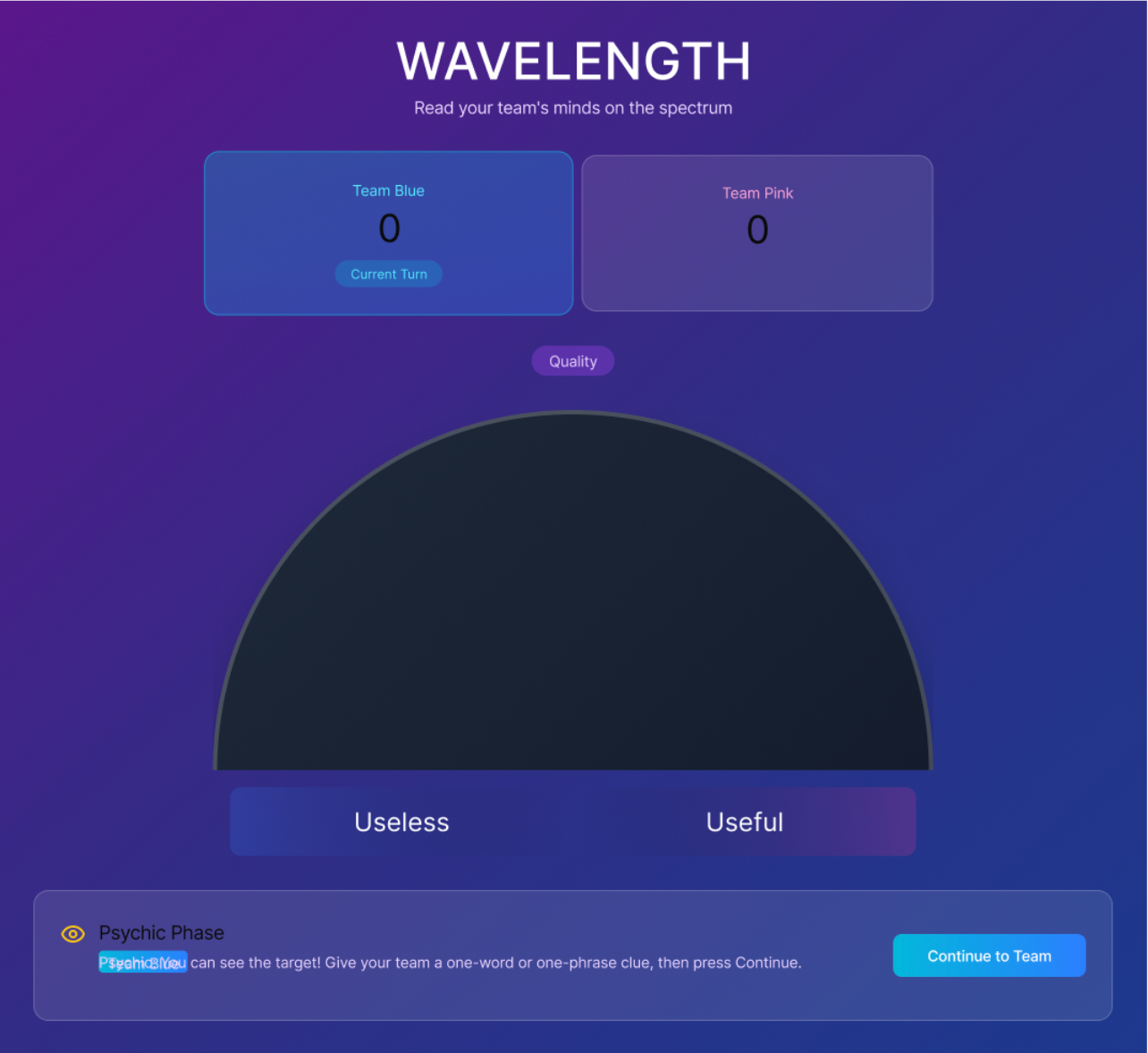
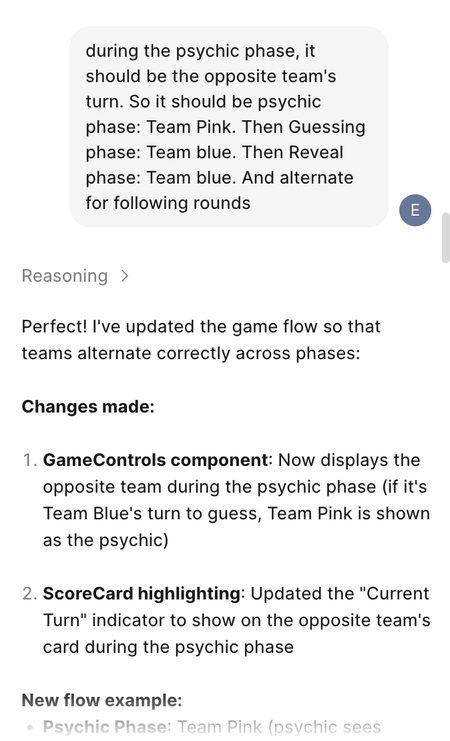
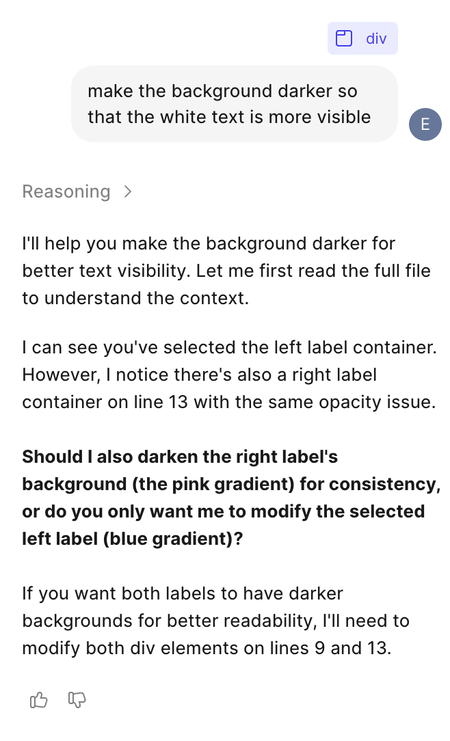
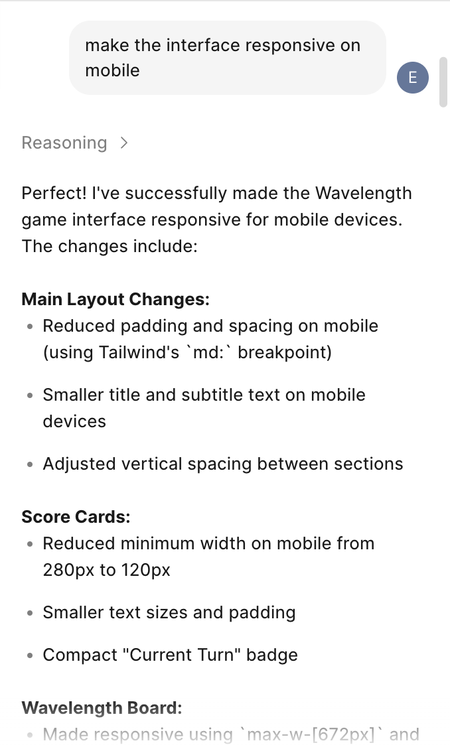
This first version of the game design was missing some interactive elements, didn't have the correct game logic, and had colour contrast issues, and was not responsive to mobile. I prompted it to fix these issues.

Adding features
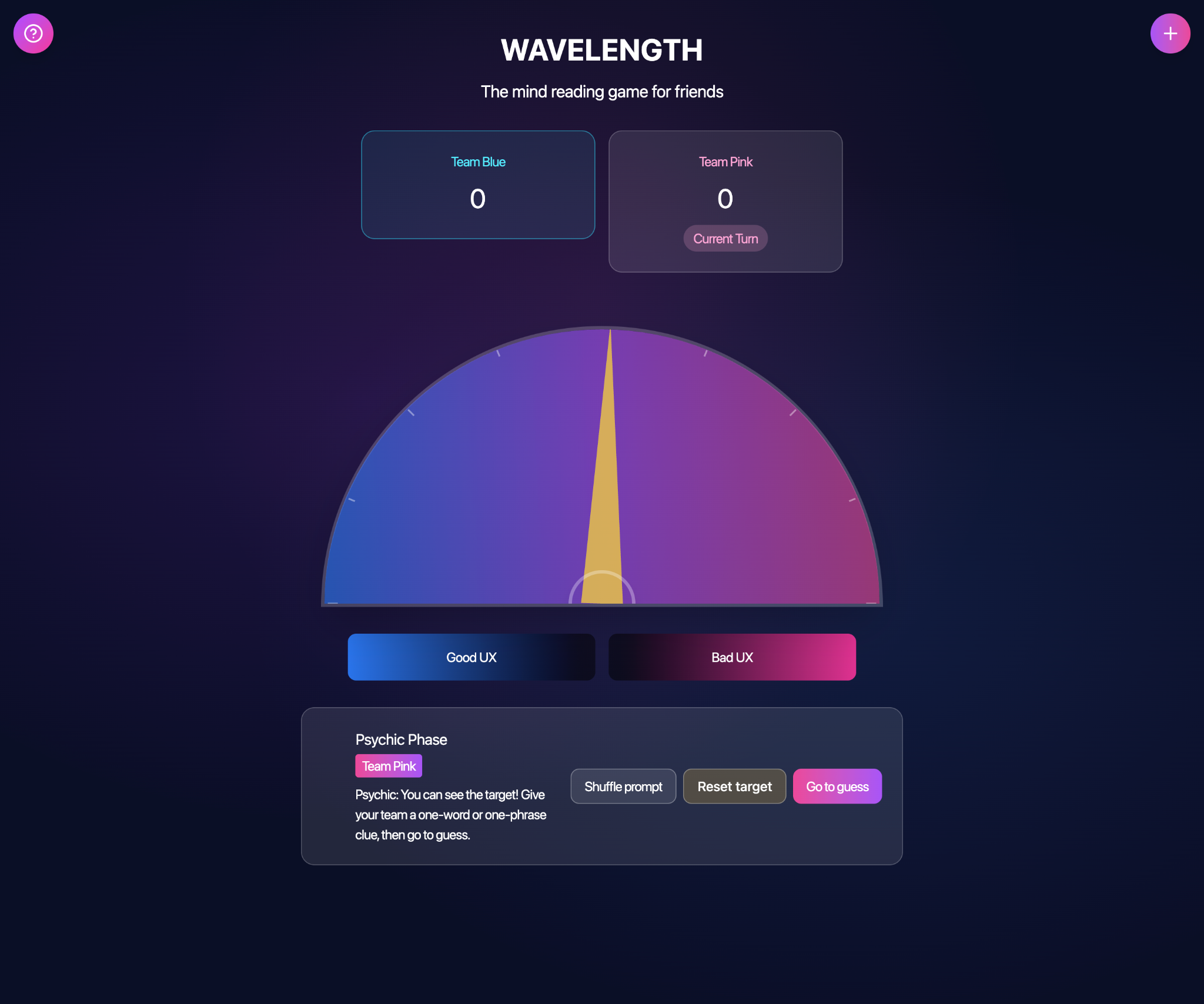
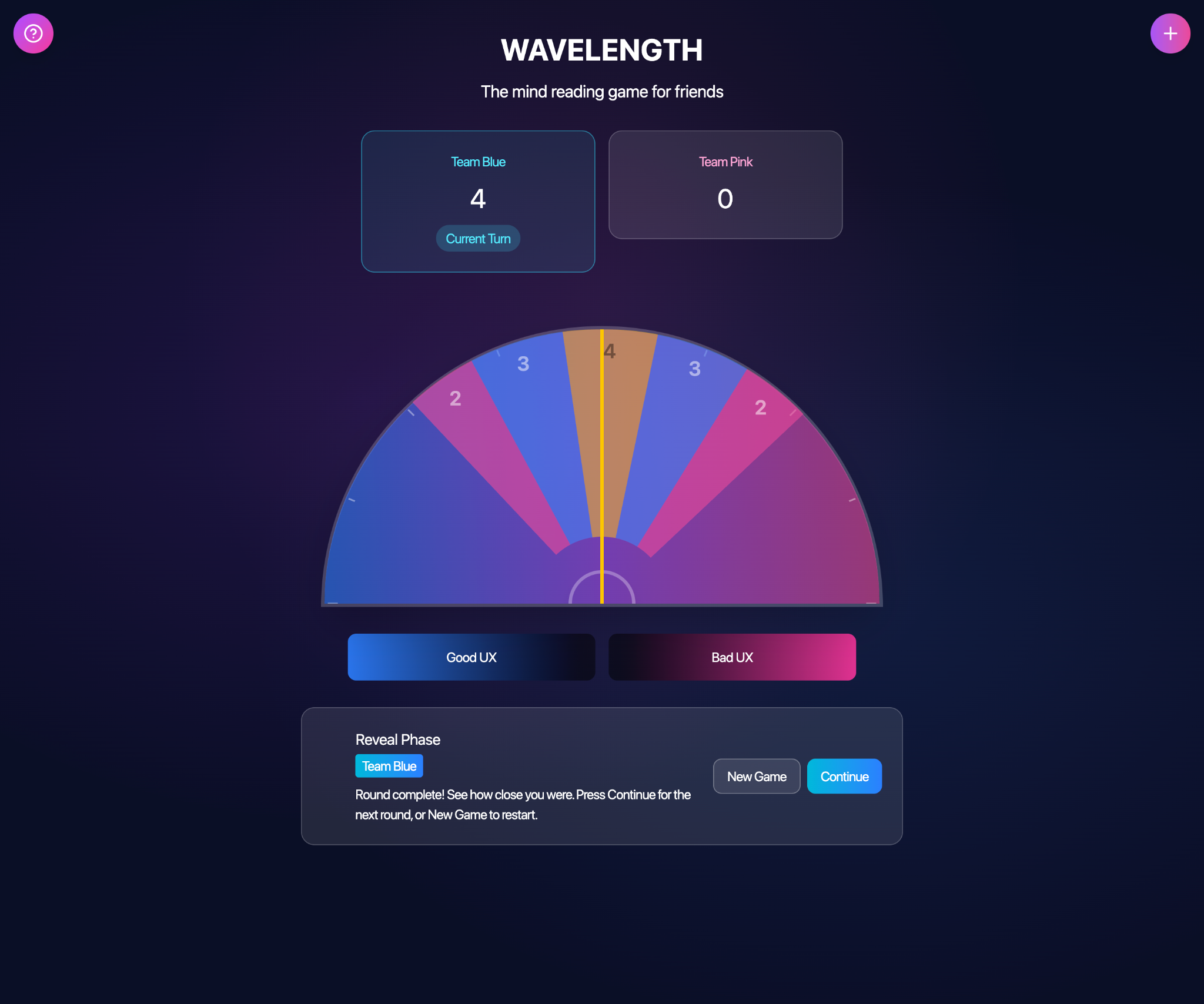
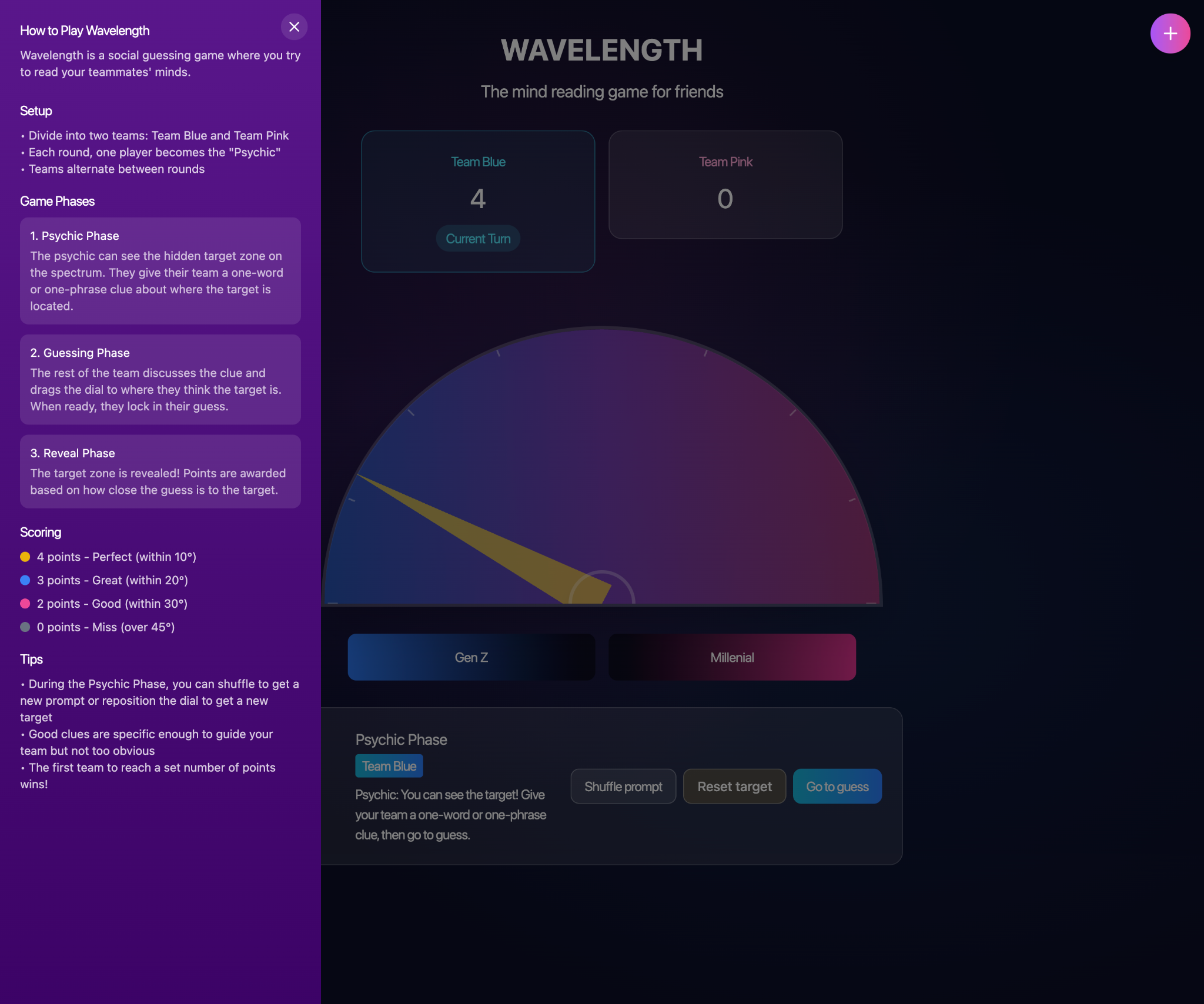
I also prompted it to add some features: a "how to play" instruction panel, a "create prompt" button to allow users to customise their spectrum descriptors, a reset target button for the dial, and a shuffle prompt button.
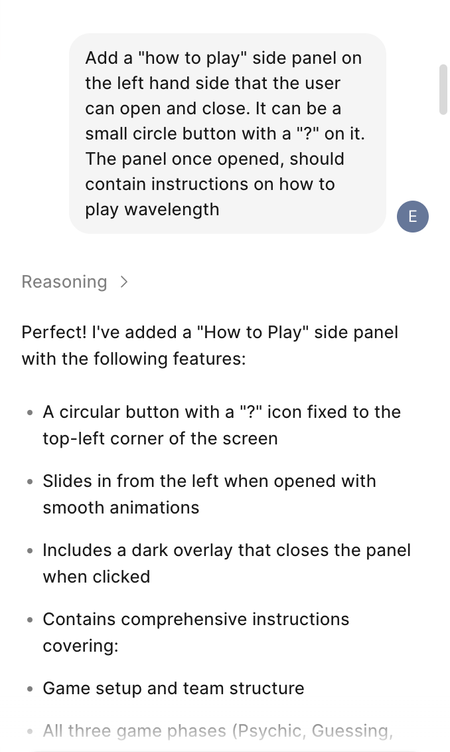
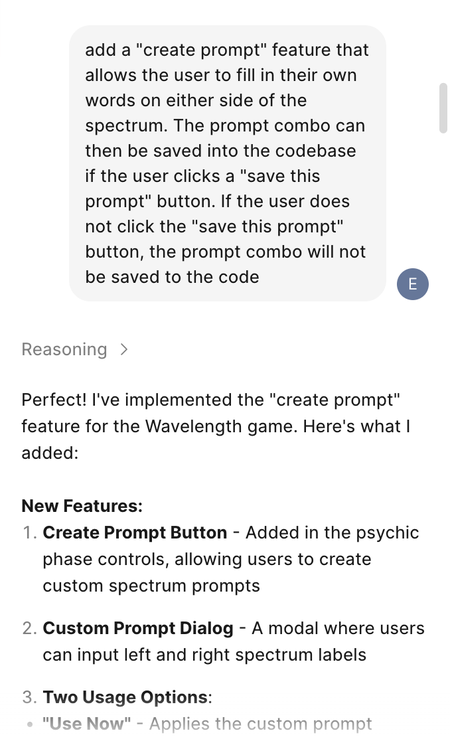
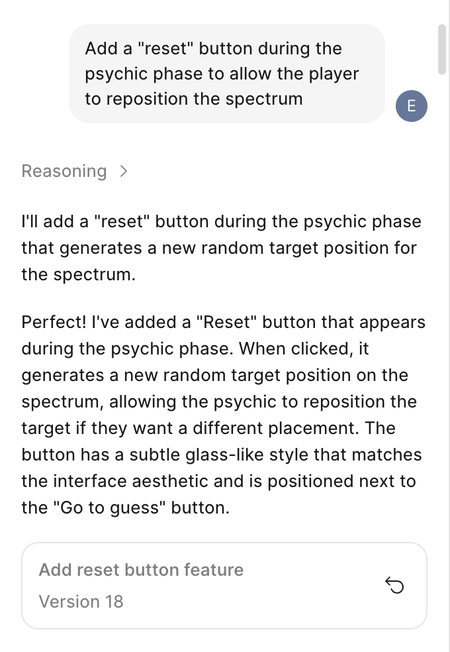
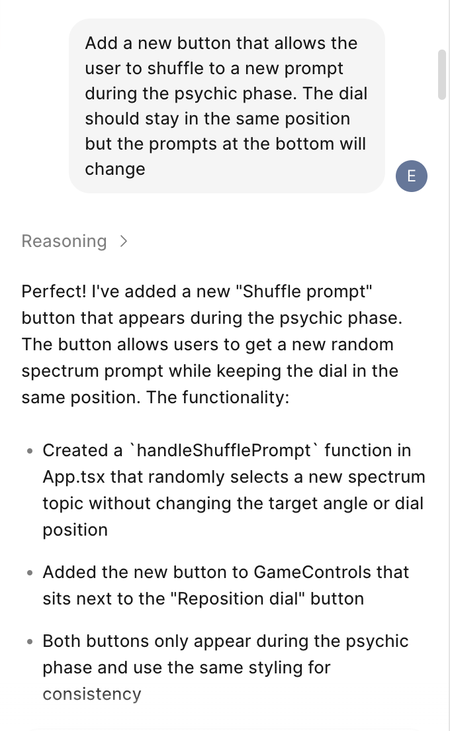
After some tweaking and more prompting, I got the basic functionality and game flow.

Editing spectrum topics
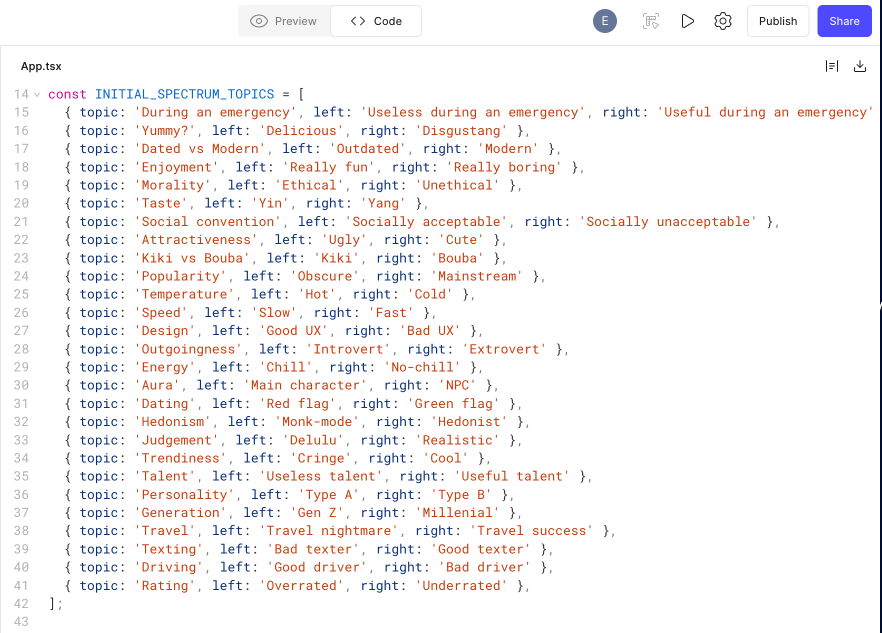
I asked Figma to generate some spectrum topics for me. I didn't like any of them so I went into the code to add/edit them myself. These are the initial topics that the user will be given, which they can shuffle through at random
Once I was happy with the main features, game flow, and spectrum topics, I used Figma Make's point-and-click tool to make specific alterations to the UI design. I wanted the interface to feel playful and animated. The wheel was given a soft glow to emulate a psychic's crystal ball, the typeface was changed, more interactive features were added, and the side panel and modals were changed to look more on-theme with the rest of the interface.
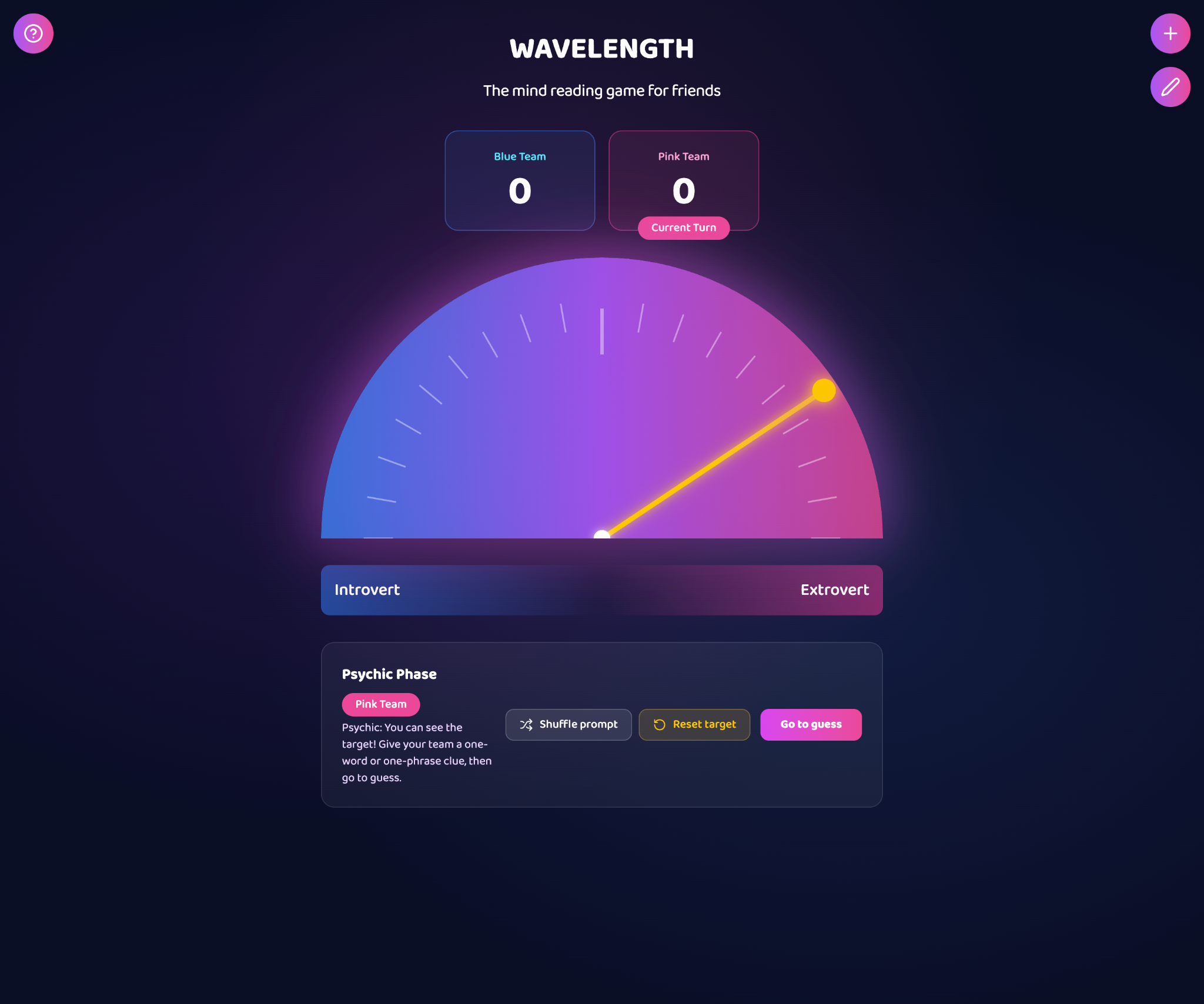
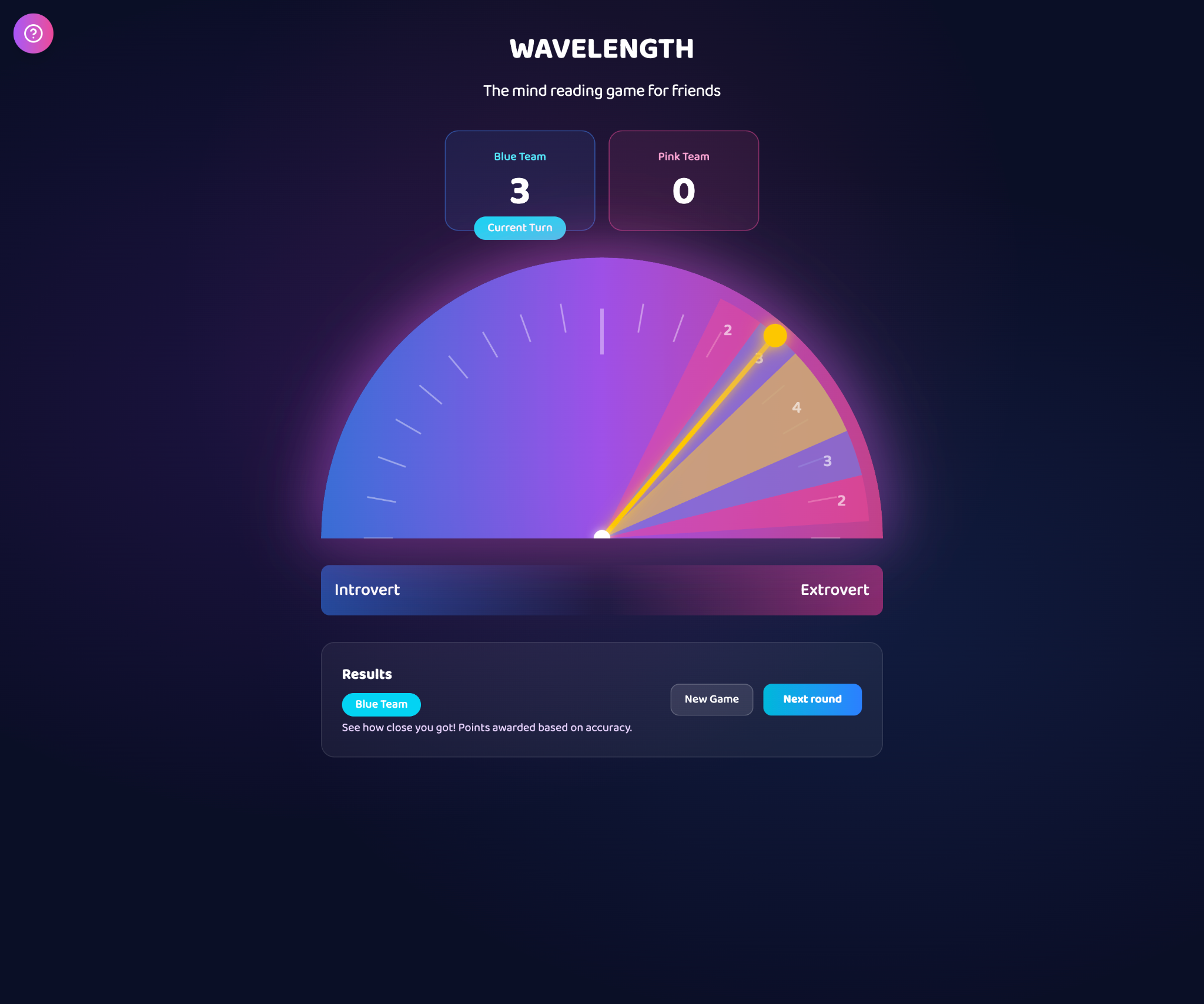
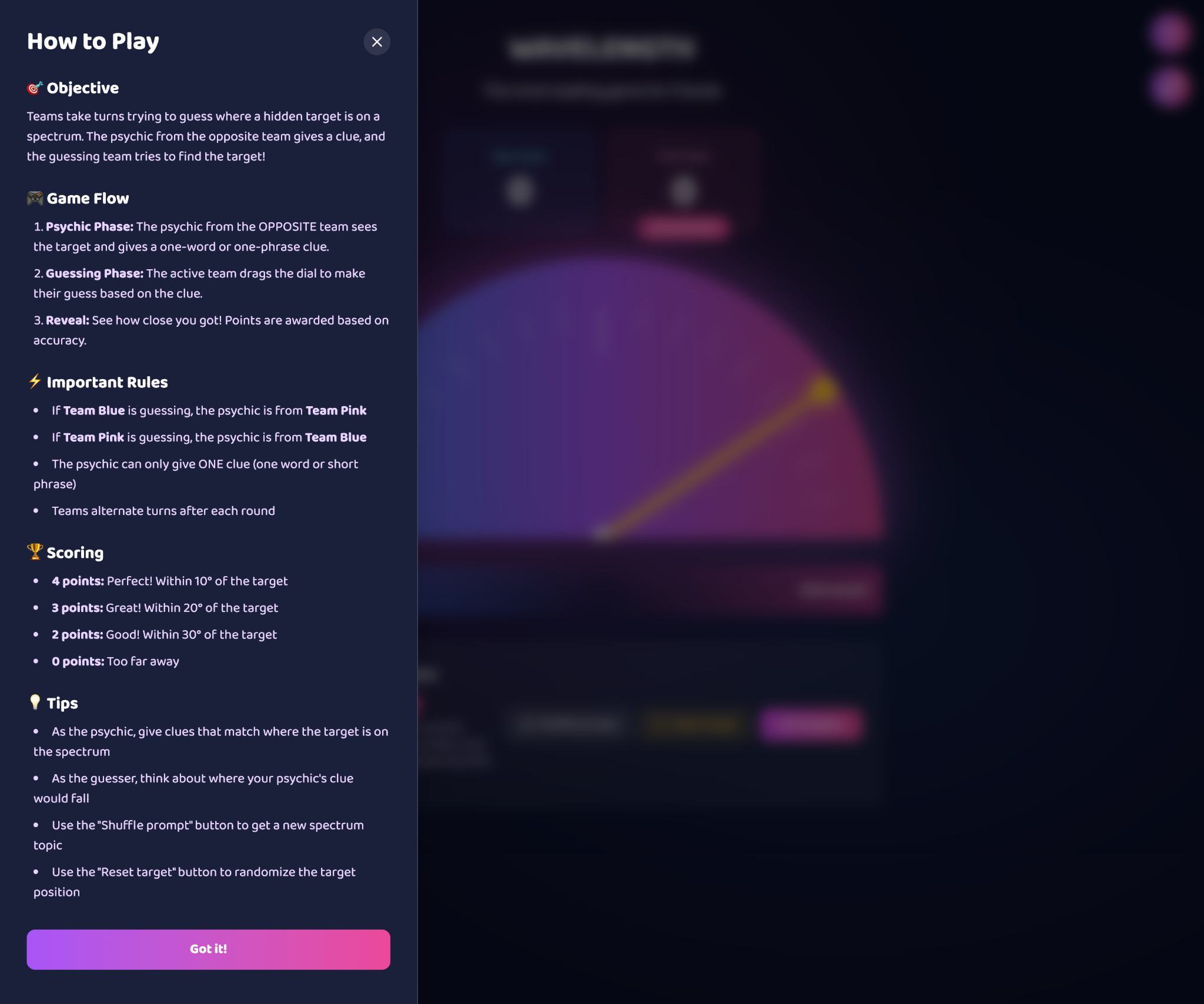
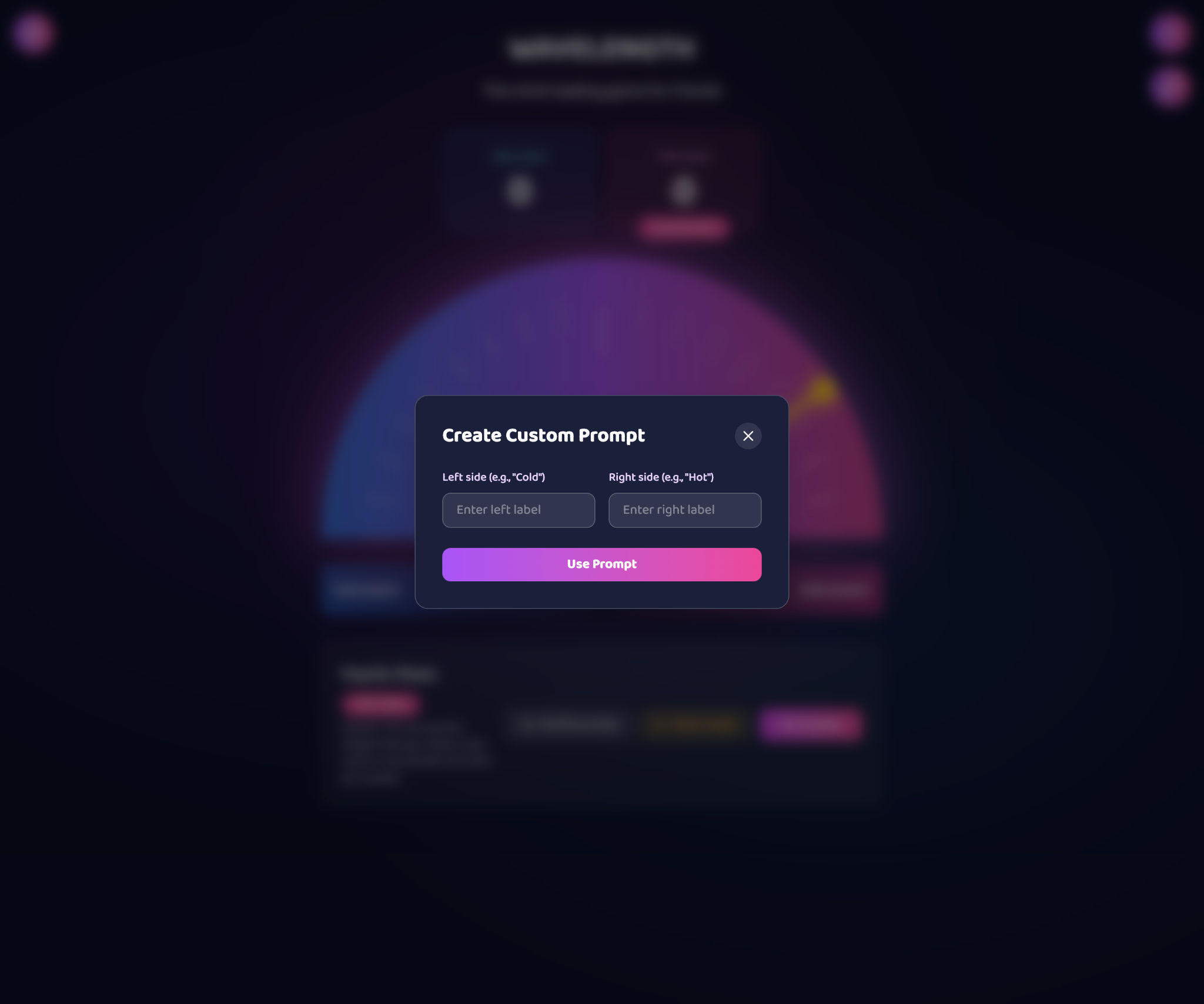
User testing
I tested the game with friends and colleagues to ensure that the game flow, roles, and features were functioning as expected.
With 1:1 gameplay, the main issue I found was that both players are looking at the same screen (laptop), so it was awkward having to hand over the device, ensure the other player couldn't see the screen, set the prompt & target, and then hand the back to the guesser.
One user (who was a teacher) said she would like to play this game with in a classroom setting with her students. The game would be on the projector screen. She would control the game and set the prompts/target, while her students would be the guessers.
Adding device syncing
With the user test findings in mind, I added a "connect device" feature that allows users to connect their phone to the game via QR code or manual host ID entry.

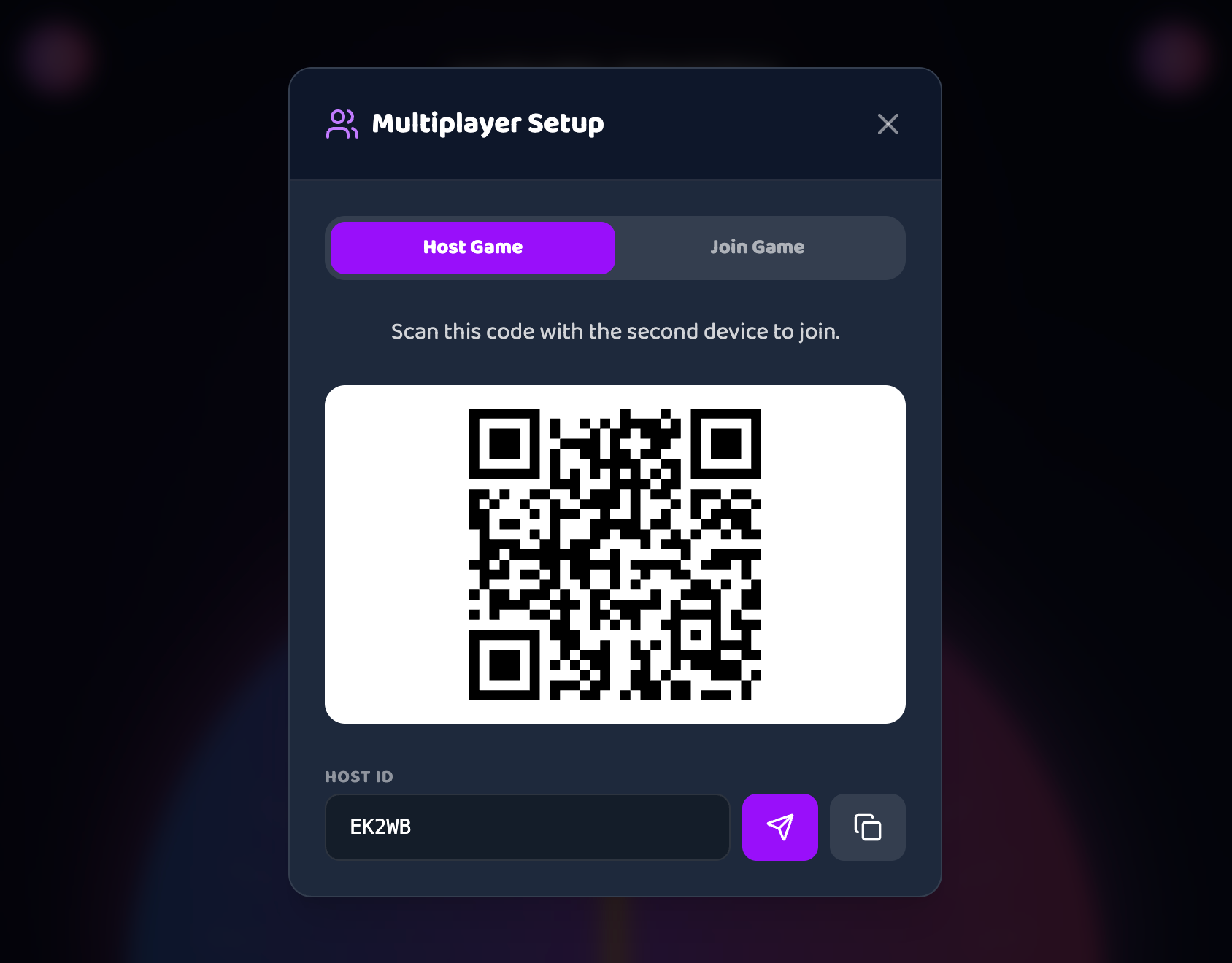

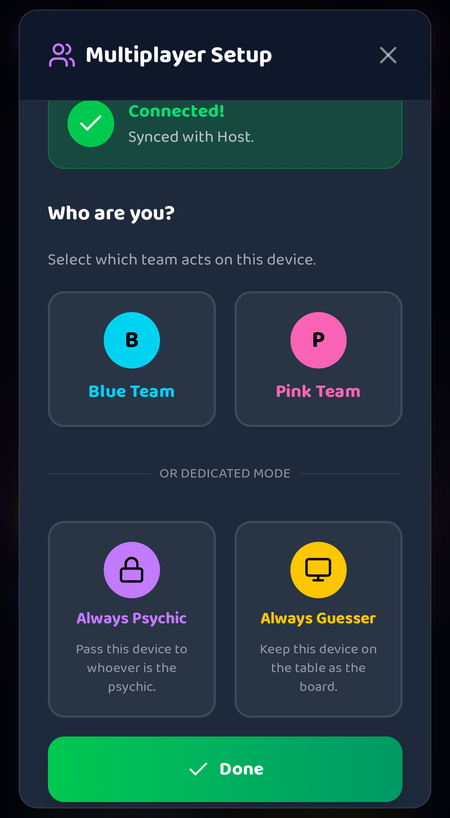
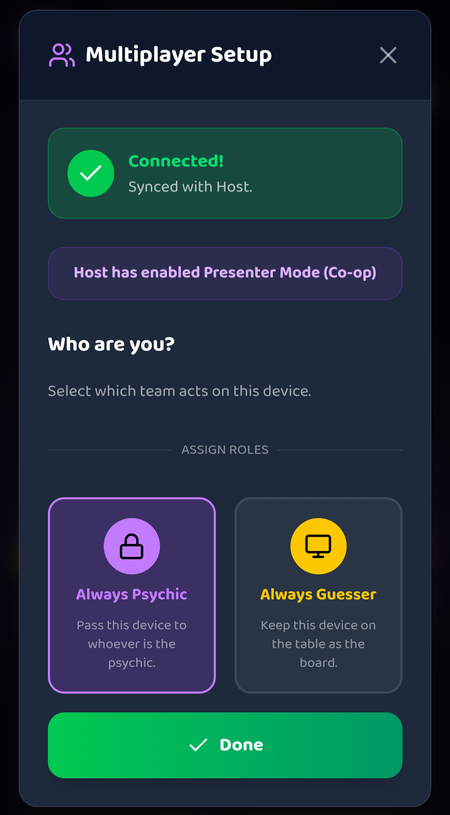
For 1:1 gameplay, this allows the second player to connect their device (so each player is using their own device) and players can take turns playing while only seeing the relevant game states on their screen.
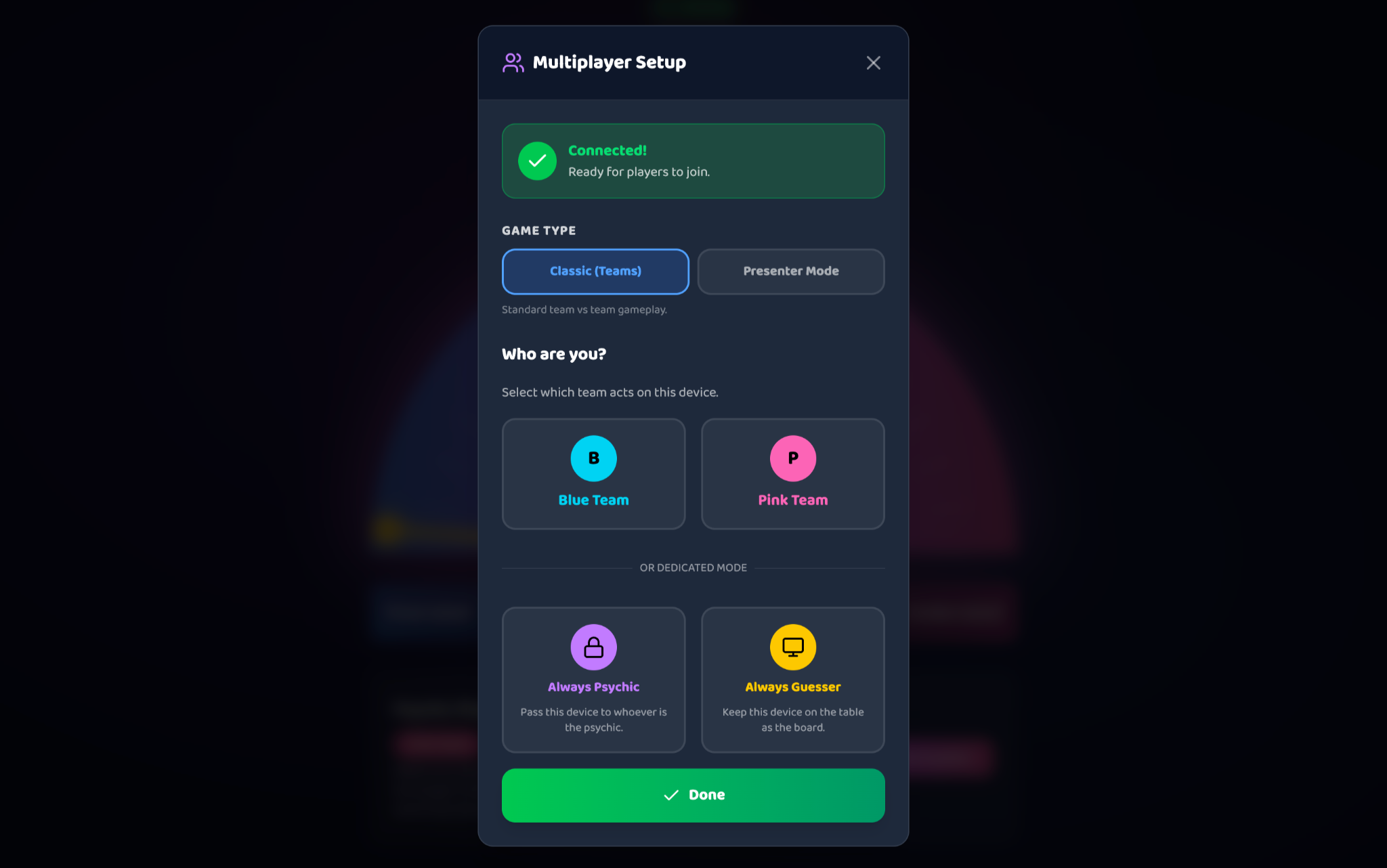
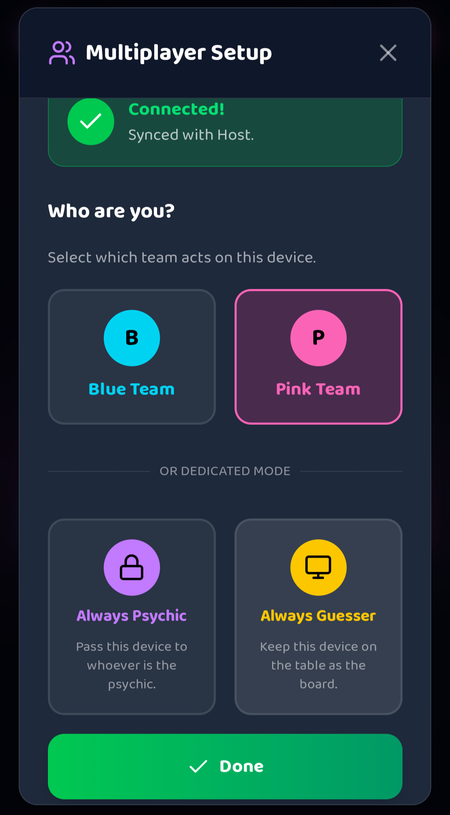
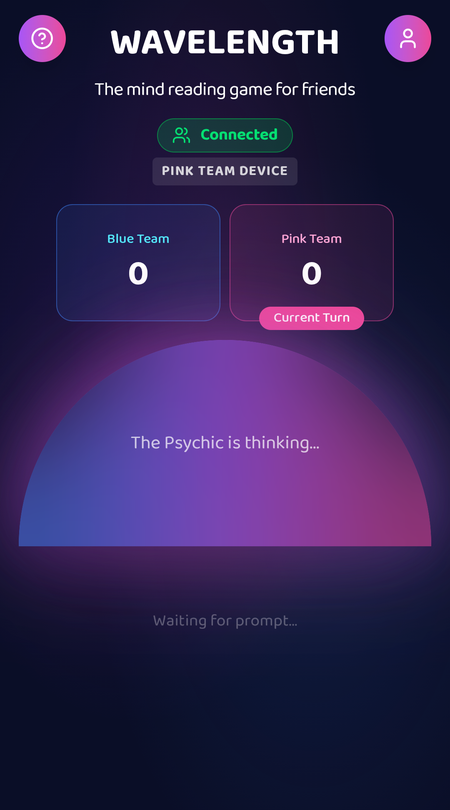

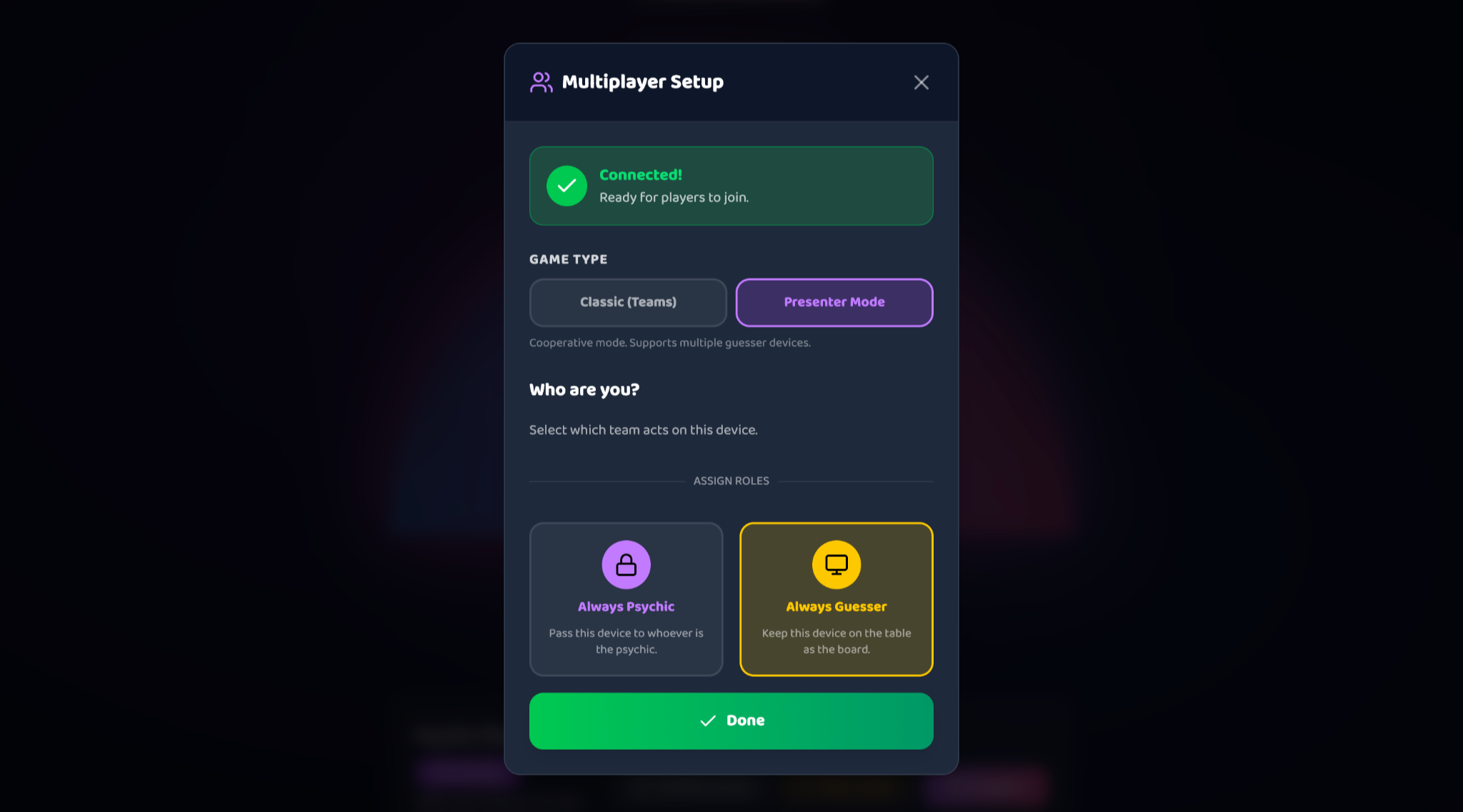
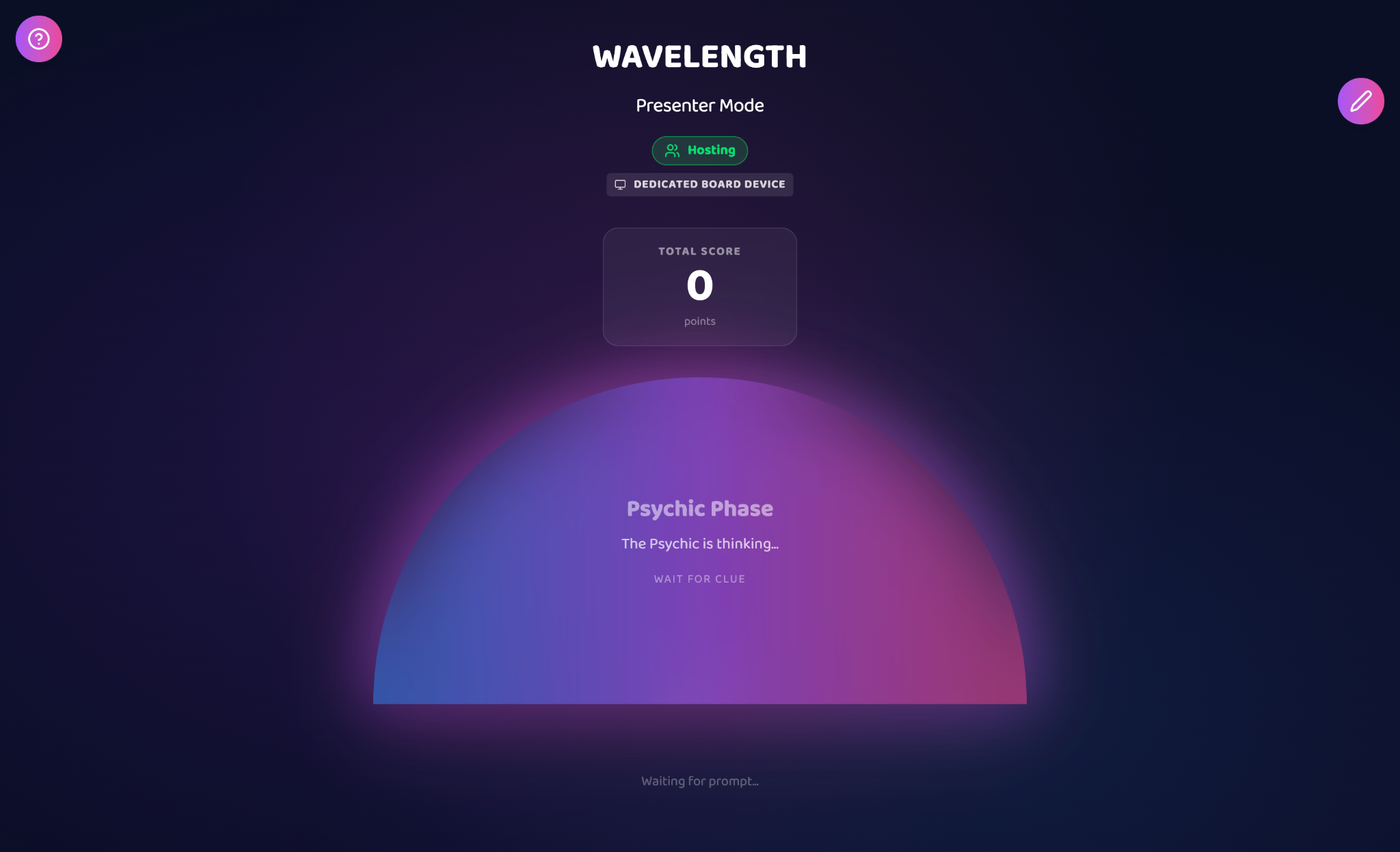
In a classroom setting, "presenter mode" allows the teacher to connect their phone to the game, and control the game from their phone. This prevents the guessers from seeing the set-up, as they'll only see the "guessing phase" of the game.
The guess will be a unanimous vote amongst the students, and the score will be a total tally.
Adding "Free for all" mode
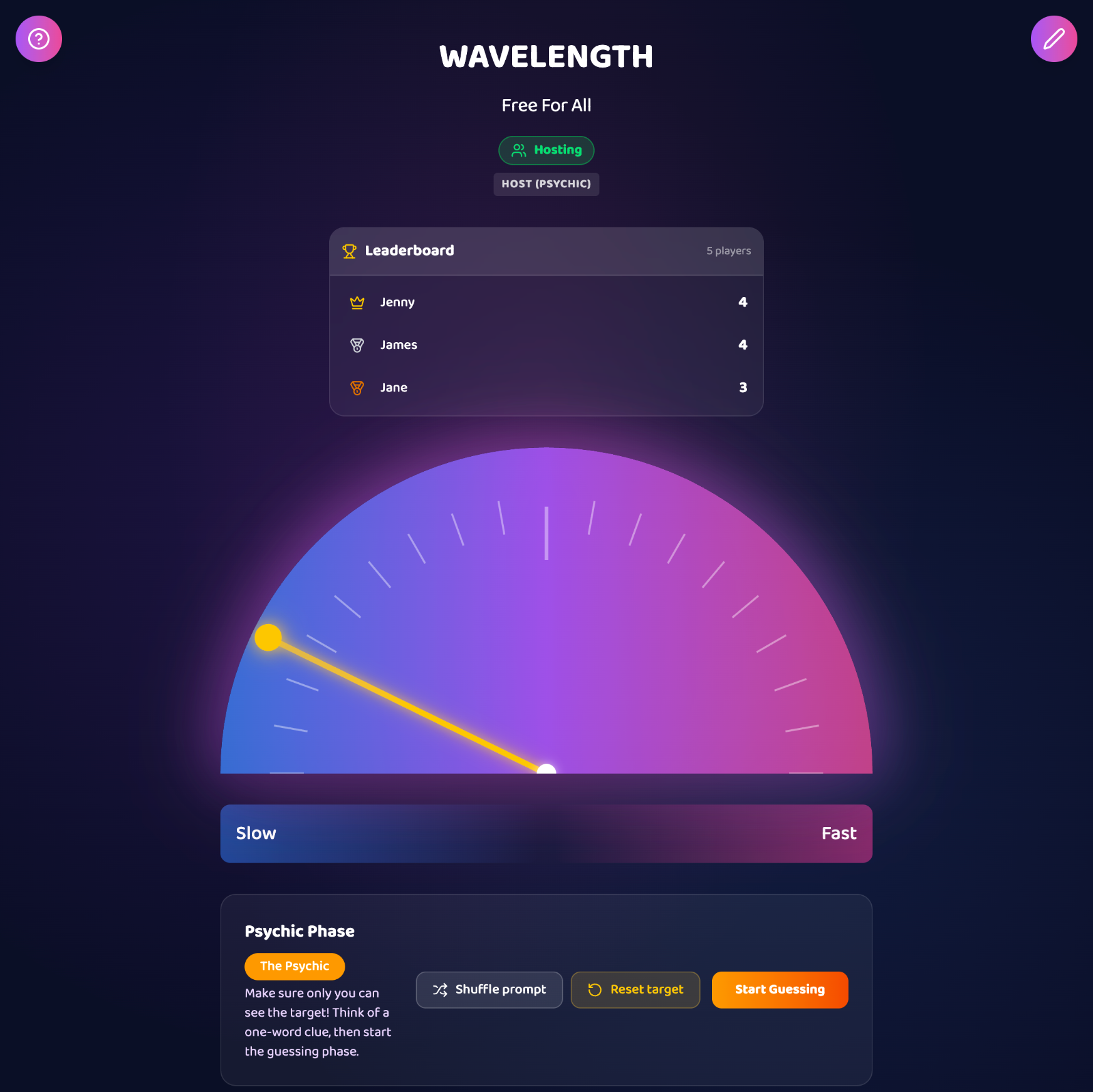
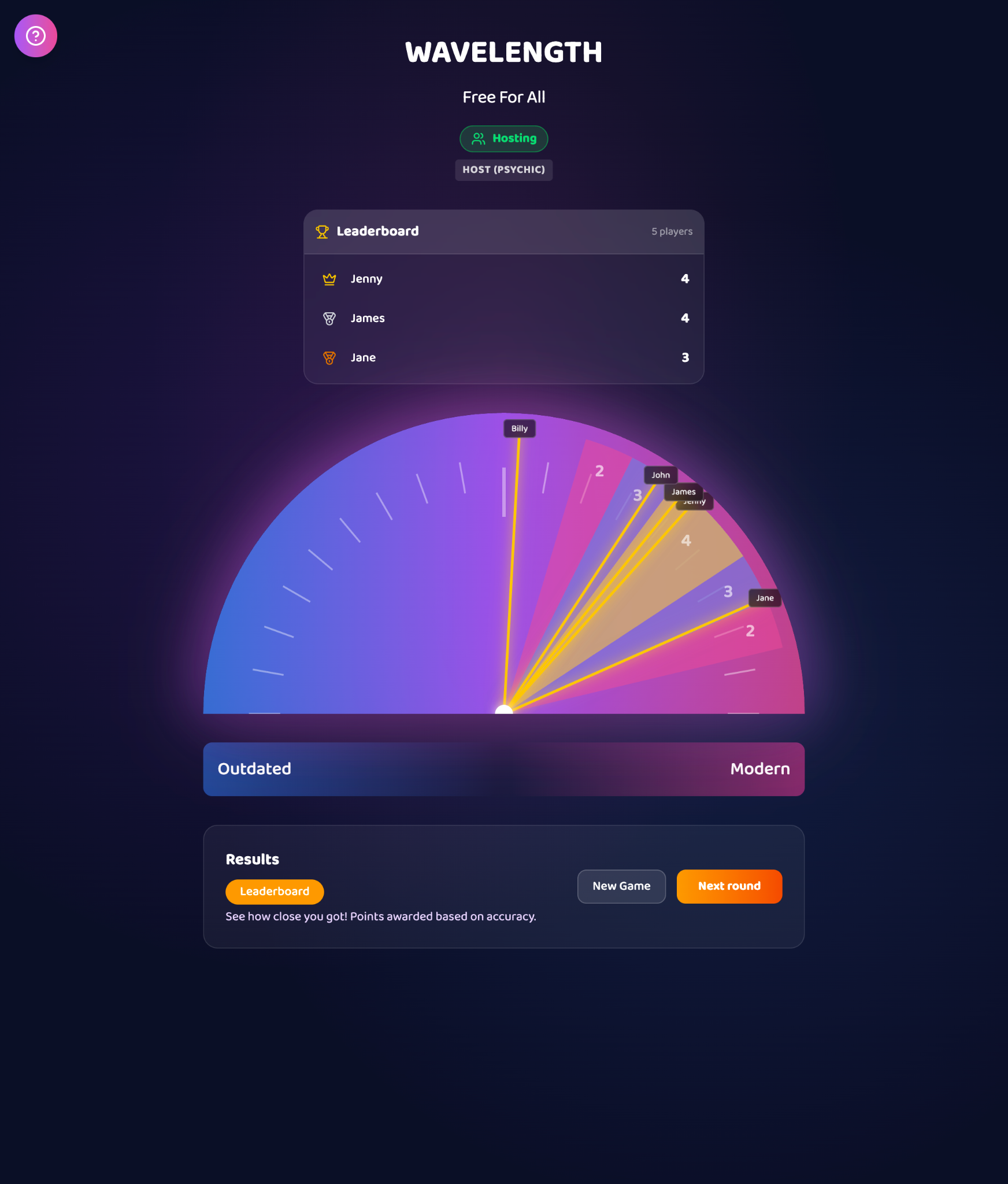
Idea: If we can have 1 device connected to the game, can we have multiple devices connected to the game? This means in a group setting, each player can have their own phone connected to the host device, and will be able to submit their own unique guess. This allows for more active participation, as every player will have their own score tally and can compete with other players.
I prompted the concept to Figma Make and it came up with "free for all" multiplayer mode. It functions like Kahoot; the host device can see all players and all guesses. The psychic will set up the round from the host device, and guessers will submit their guess when they're ready. Once all players have locked in their guess, the host will be able to reveal answer. All players' guesses will be shown during the reveal, and top 3 will be on the leaderboard.


Figma Make key takeaways
I was impressed at:
- How well the system could handle device syncing (especially with multiple devices)
- How well the system understood different roles in the game as the different multiplayer modes were introduce
- Game logic retention as more roles and modes were added.
- How quick and easy it is to create seamless interactions, animations, and user flows, and even a customised cursor ✨
- Plain language prompts are accurately interpreted without the need for technical language
- Troubleshooting UI elements and interactions was easy using the point and click tool
- Full code transparency. Auto-fixed errors. Even though no coding is required, there's still the option to edit code directly if it's quicker than prompting
Hiccups I experienced:
- The initial game logic was not captured very well and it took a few rounds of prompting to make the UI make sense with the game flow.
- Difficult to undo big changes. When I prompted it to implement a "light mode" to the interface, the game broke and scoring logic was lost. Even when I tried to roll back and undo the prompt, it didn't fully recover and I had to fix it bit by bit using more prompting.
- Styling inconsistencies. E.g. when the "how to play" side panel and modals were added
- Took a while to make the interface responsive to mobile, had to adjust individual elements (such as buttons and the dial)